

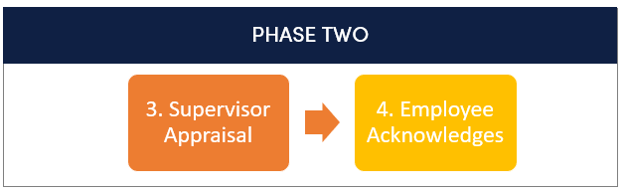
Watch a short tutorial on completing the appraisal.
(For best results, watch full screen.)
Skip to another task in Phase Two.
You should have already conducted the Supervisor/Employee Appraisal Meeting. During this meeting, you and your employee discuss the ratings, comments, and improvement areas contained within the appraisal, as well as review the status of the Talent Development Plan goals established in the Plan. This discussion may be held concurrently with the Performance Plan Meeting for the next evaluation cycle.
Use this opportunity to have a meaningful conversation with your employee. Recognize accomplishments and/or identify developmental needs.
THEN:
1. Log in to ePerformance.
2. In Action Items, click the Item with the description “Supervisor Appraisal”. This takes you to a series of tabs.

3. You will work through each tab.
4. Work through the Institutional Goals, Individual Goals, and Professional Development tabs, leaving comments for any goal that you would rate “Not Meeting Expectations” or ‘Exceeding Expectations”
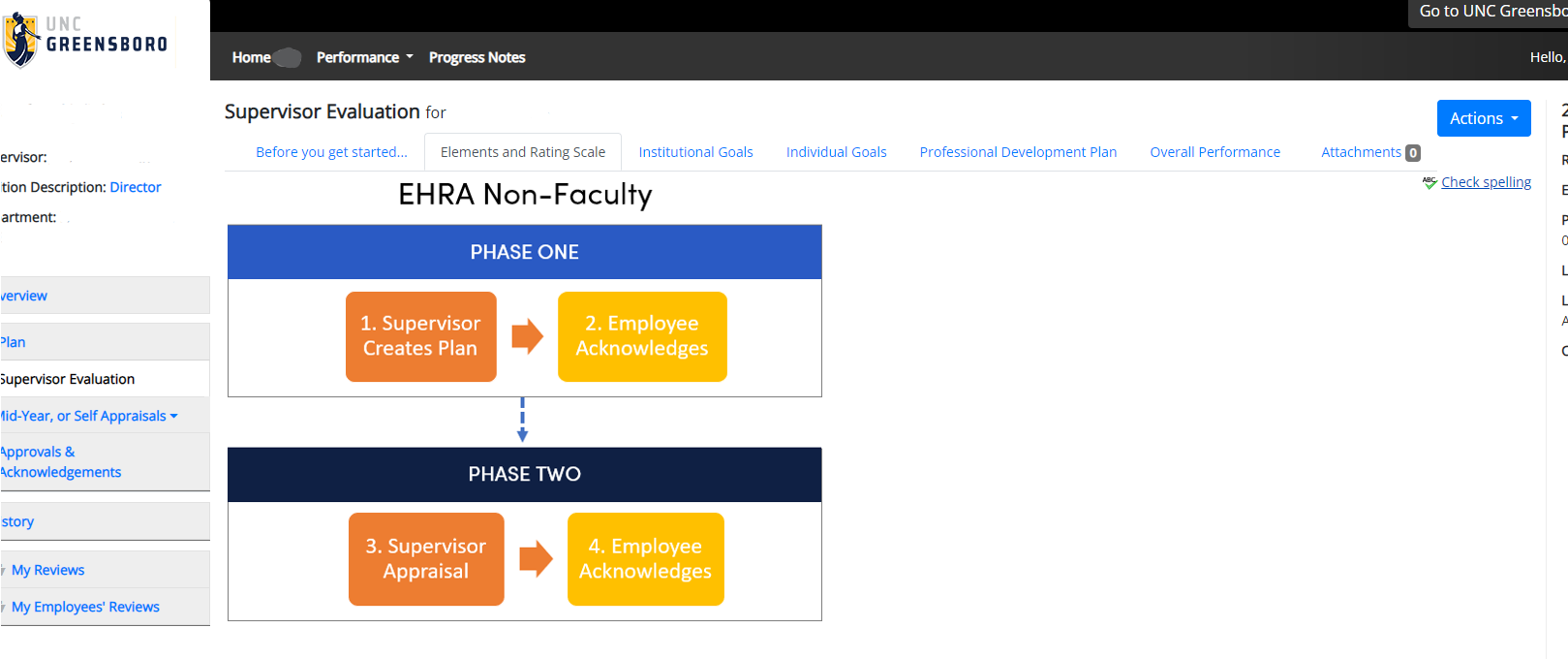
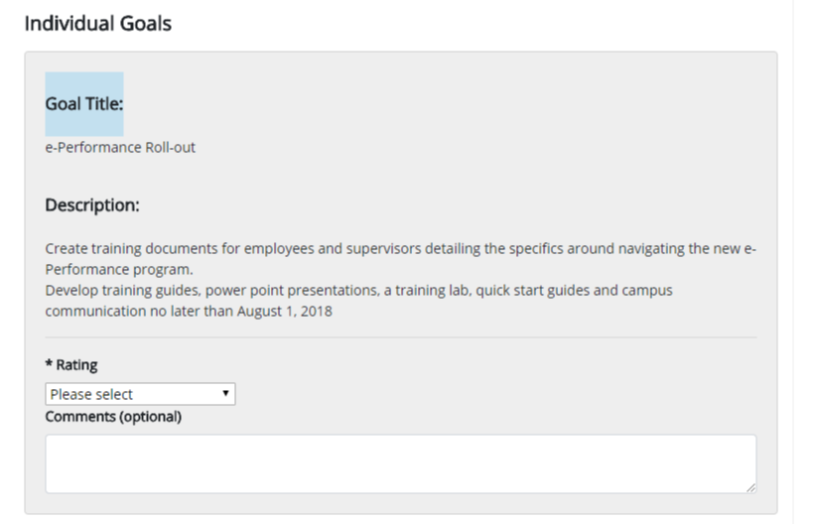
5. In the Overall Performance tab, use the Comment box to summarize the employee performance that encompasses the entire year. Reference progress notes and add any attachments to support your evaluation if needed.
6. Click the Save Draft
or Complete when you are finished.
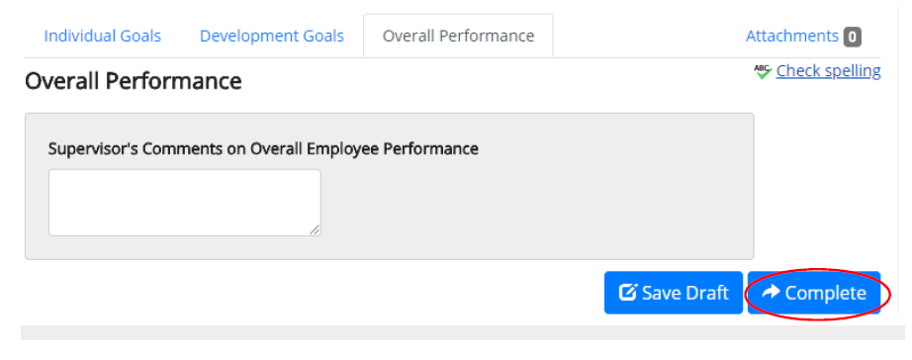
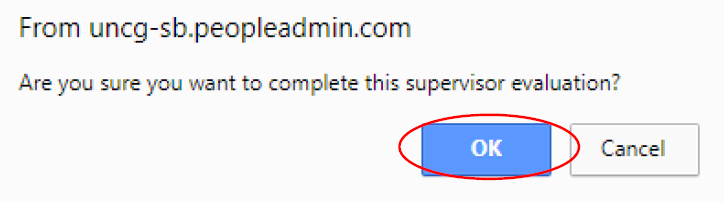
7. Click OK.
All fields must be completed by the Supervisor before the process can be marked as complete. Please ensure all necessary information has been entered/completed prior to clicking ‘OK’. If you complete the action in error, you will need to contact the HR system administrator to re-open the task for you.
After you have completed the appraisal, you will see a prompt at the top of your screen indicating that your evaluation has been marked as complete. You will also see the ‘Overall Rating’, along with the numerical score based on the weights you assigned at the beginning of the year on the right of your screen.
