Watch a tutorial on acknowledging your Plan.
(For best results, watch full screen.)
Skip to another task in Phase One.
1. Log in to ePerformance.
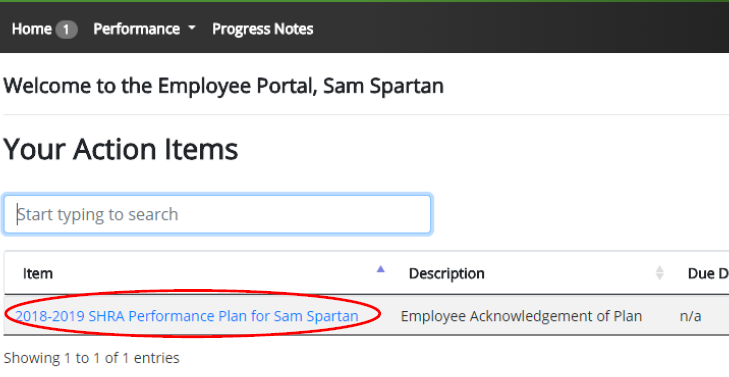
2. In Your Action Items, click on Item with the Description “Employee Acknowledgement of Plan”.
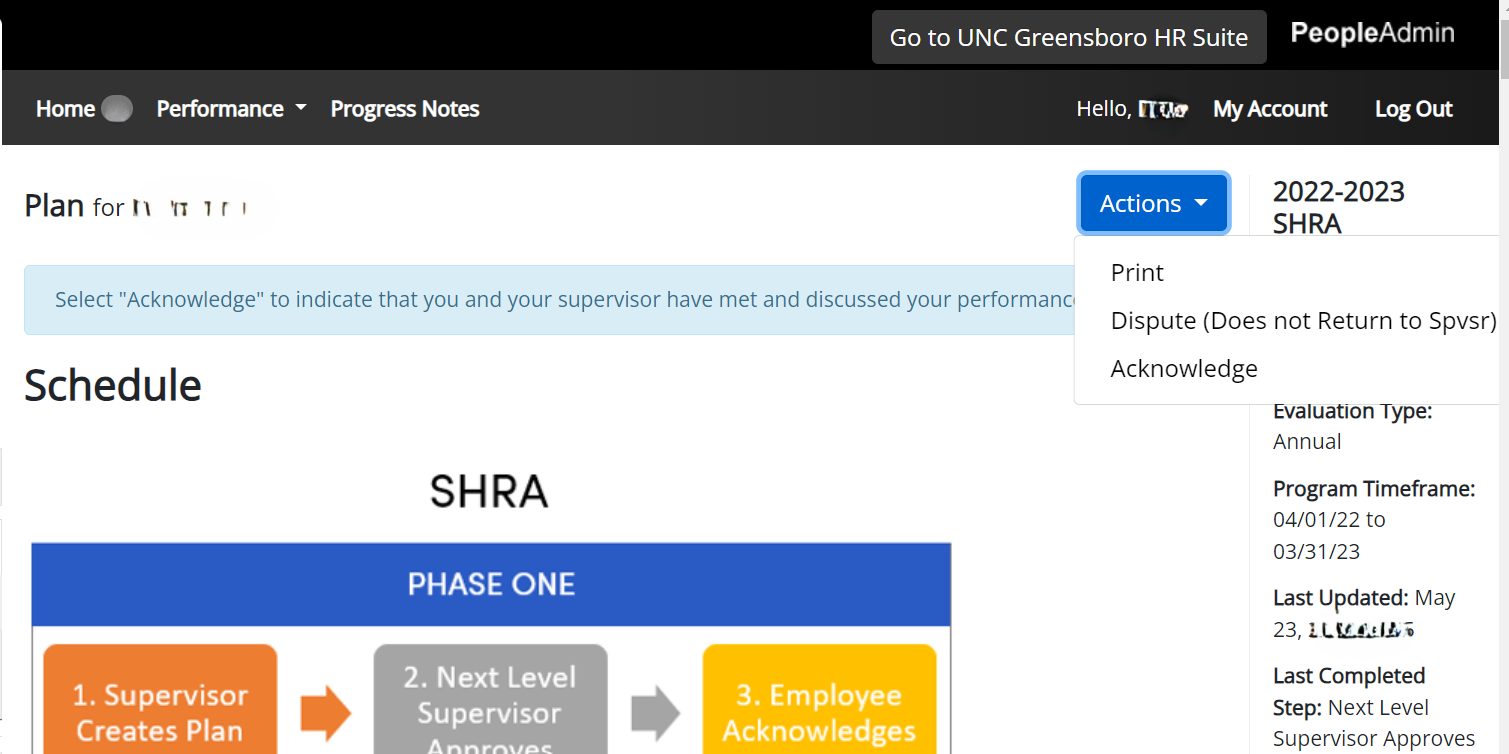
3. Review the performance expectations contained in your performance plan (Institutional, Individual and Talent Development Plan) and the evaluation methods that your supervisor plans to use to assess your performance throughout the cycle. (You can print a copy from the Actions drop down from within the Plan at any time).
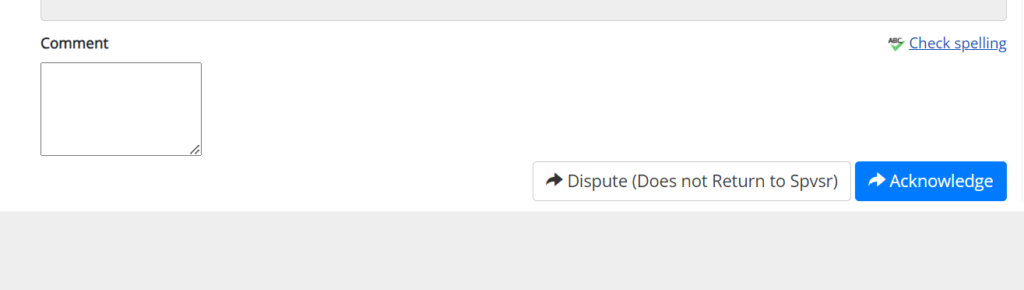
4. Add any comments in the Comments box.
5. Click Acknowledge or Dispute (we encourage employees to include comments if the performance plans are disputed) when you are done reviewing your performance plan information.
A box will appear at the top of the screen for you to confirm the acknowledgement or dispute of your performance plan.