


1. Log in to ePerformance
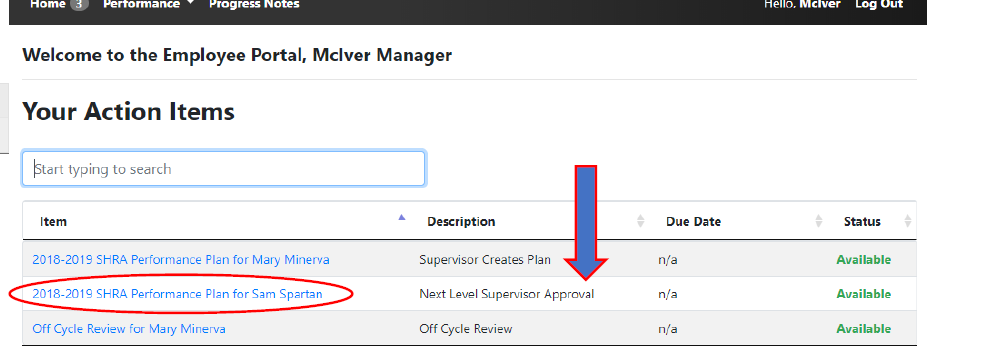
2. In Action Items, click Item with the description “Next Level Supervisor Approval”.
3. Review the plan for accuracy and consistency–ensure there is consistency in goals across similar positions and the individual goals directly or indirectly relate to the unit’s strategic goals in the current cycle.
4. Add any comments.
5. Click:
Approve to move the plan forward, which can only be undone by an HR administrator, or
Return to send it back to the Supervisor for revision, including instructions in the Comment box.
