


Watch a tutorial on completing an appraisal.
(For best results, watch full screen.)
Skip to another task in Phase Two
1. Log in to eperformance
2. In Action Items, click the Item with the description “Supervisor Appraisal”. This takes you to a series of tabs.

3. You will work through each tab.

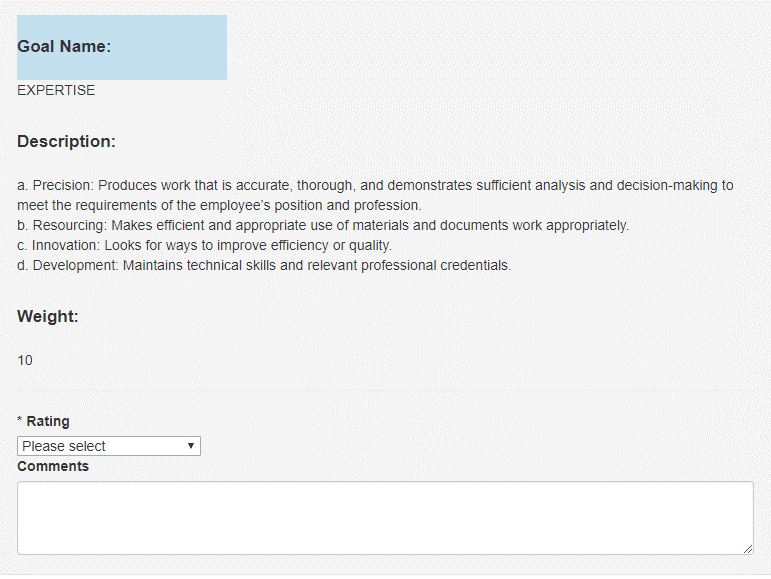
4. Work through the Institutional Goals and Individual Goals tabs, giving each goal:
5. A rating of : Not Meeting Expectations, Meeting Expectations or Exceeding Expectations and
– Comments are required for ratings of: Not Meeting Expectations and Exceeding Expectations.
6. Click Save Draft to stop there and come back, or click Next to continue
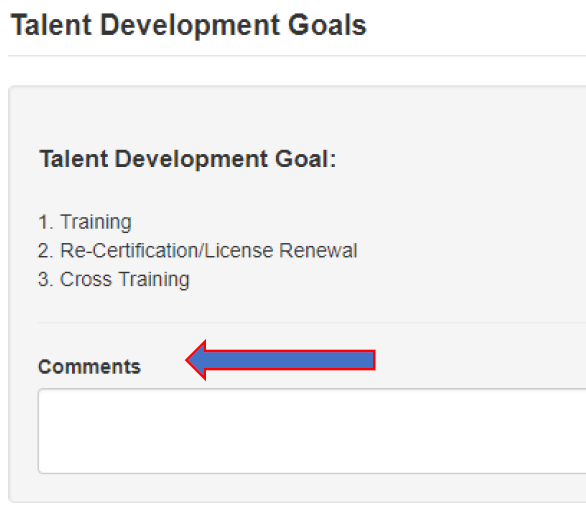
7. If you gave Talent Development Goals (they are not required), there is no rating to give. Use the Comments section to provide feedback.
8. Click Complete when you are finished with the appraisal and ready to route to the Next-Level Supervisor
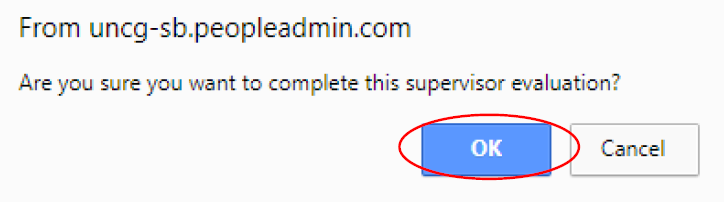
9. Click OK.
All fields must be completed by the Supervisor before the process can be marked as complete. Please ensure all necessary information has been entered/completed prior to clicking ‘OK’. If you complete the action in error, you will need to contact the HR system administrator to re-open the task for you.
After you have completed the appraisal, you will see a prompt at the top of your screen indicating that your evaluation has been marked as complete. You will also see your ‘Overall Rating’, along with the numerical score based on the weights you assigned at the beginning of the year on the right of your screen.
